Have you seen the latest addition to Bing Ads, Bing Places for Business? It connects businesses with local customers. This new offering from the Bing stable has options for local businesses with a storefront, chain businesses with multiple locations and businesses offering services at customer locations. Marketers claim their listing on Bing and then add details.
Add your business to Bing in 3 easy steps
1. Claim your listing
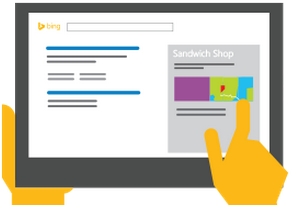
Chances are Bing already has a listing for your business. Claim an existing listing or add a new one. If your business has multiple locations add them in one go using the bulk upload tool.
2. Complete your listing profile
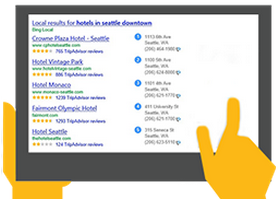
Adding complete information about your business helps you tell the best story. You can add photos as well as describe services, hours of operation and contact information.
3. Verify your listing
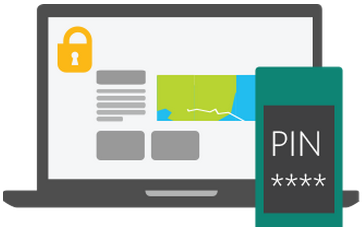
Protect your listing from unauthorized changes by verifying it. You can verify your listings by receiving a PIN at your business address, phone or email. All businesses must provide a valid address, but some types of businesses can hide their address in search results.